
Collecting is not the finish line
Chats, links, files, images — different sources, different shapes, one question when you need them: where was that conclusion? Here is how we file them.
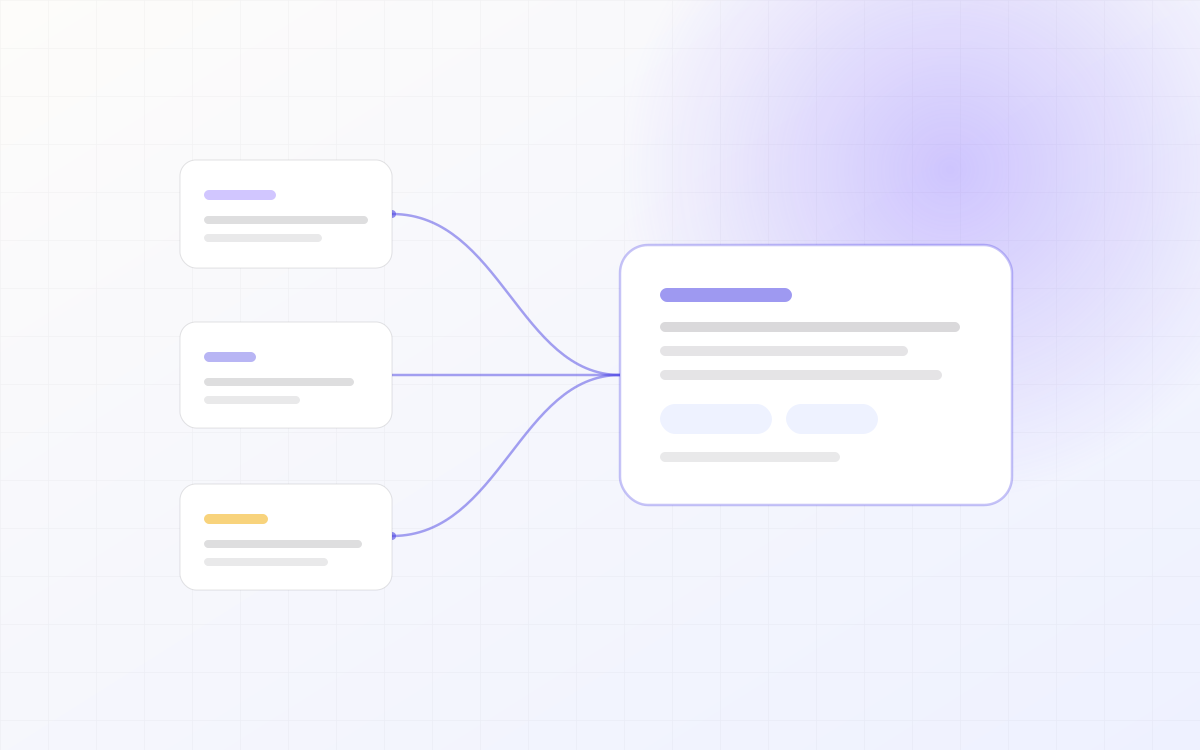
Most people do not fail to save things. They save too widely: a chat log, a bookmark folder, a download directory, and one conclusion nobody can find again.
LLM-notebook does one job — it puts four kinds of material in one place, and makes each of them askable the moment it lands.
Four sources, four entry points
- LLM chats: hit "Save chat" on ChatGPT, Claude, DeepSeek and friends. The whole thread is filed with its platform label attached. No copy-paste.
- Web links: paste a URL. Title, body and images are fetched and parsed into a searchable item.
- Files: PDF, Word, PPT, Markdown, images. Drop them in and they are parsed and filed.
- Agent sessions: with the skill installed, tell your agent "save this to LLM-notebook" and the session becomes a note.
Four doors, one room. After that you stop caring which app it came from.
Filing is the hard part
Saving is one click. Filing decides whether you can still find it three months later. So parsing extracts title, source, time and body structure up front, and every item carries those dimensions from birth.
Found is what makes it collected. Unfindable is just a copy.
Three things worth doing
- Add one line of your own when you save it. You will thank yourself in three months.
- Layer with folders, not tags. Keep tags for cross-topic keywords.
- Ask a question right after saving — that turns a stored item into a used one.
Install the browser extension or the skill and all of this happens inside the workflow you already have.
Keep reading
 Product
Why we did not build a nicer chat box
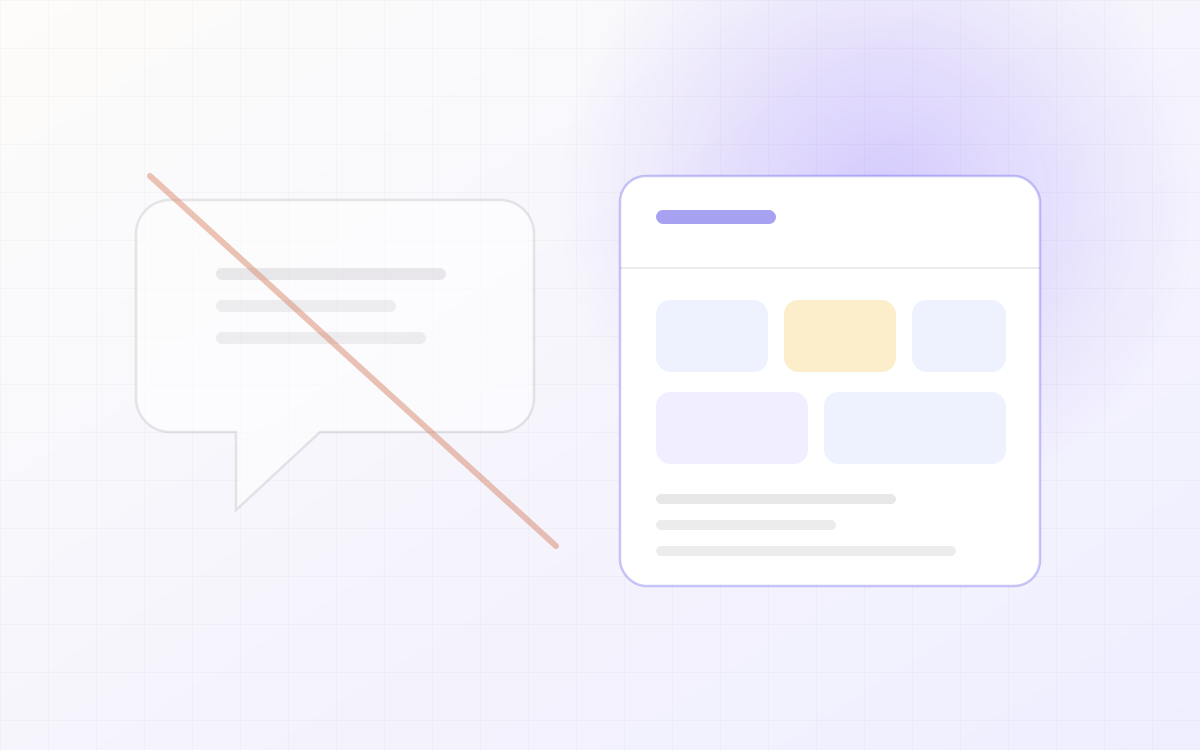
The chat box is the default shape of every AI product, and also its ceiling: context is used once and thrown away. Notes on the trade-off we made.
Read post Create
From material to a deck you will actually use
Generating slides is easy. Wanting to use them afterwards is hard. Most of our effort went into the second half: editable, exportable, structurally sound.
Read post Product
Connected in five minutes: extension and skill
Two paths in: the extension handles capture, the skill handles use. Which one you need depends on where you are stuck.
Read post