
From material to finished work
Pick a topic, or read straight through. Every post maps to a feature that actually ships.
 Create
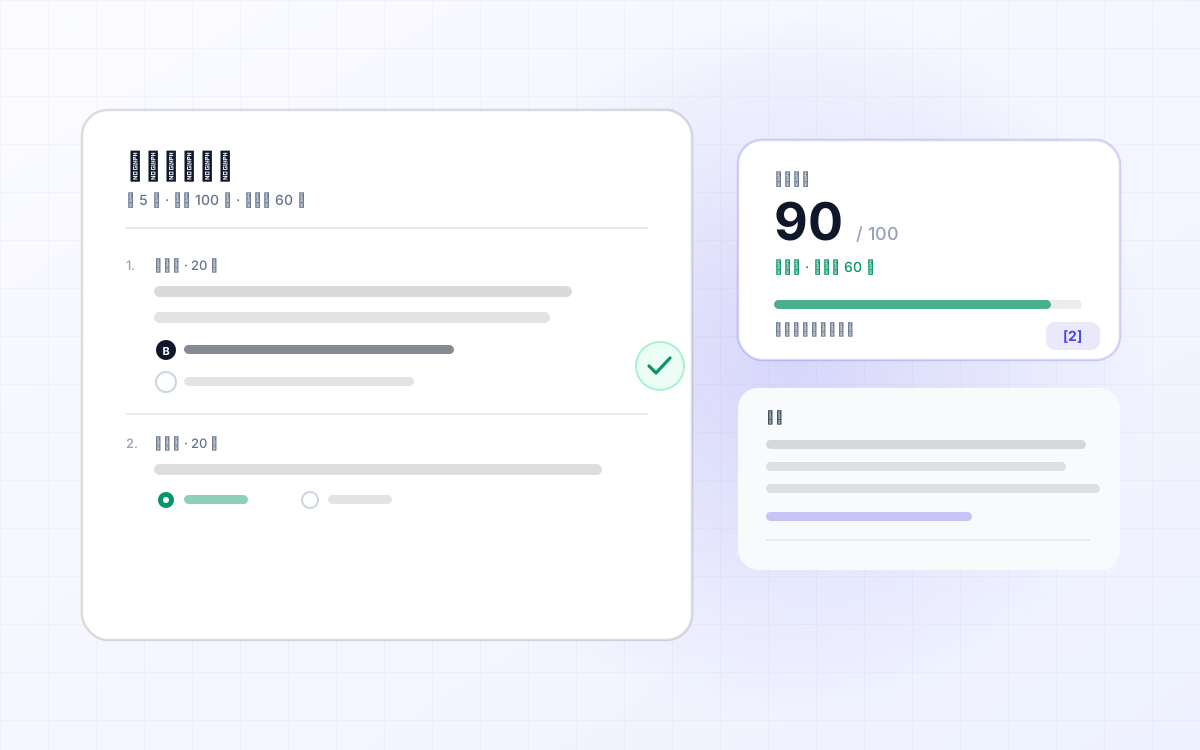
LLM-notebook: turn what you have read into a quiz you can practise
Having seen something is not the same as having learned it. LLM-notebook can turn saved articles, courses, product manuals or notes into a quiz: test yourself, review the answers and explanations, ask AI about mistakes, or export to PDF / Word.
Read post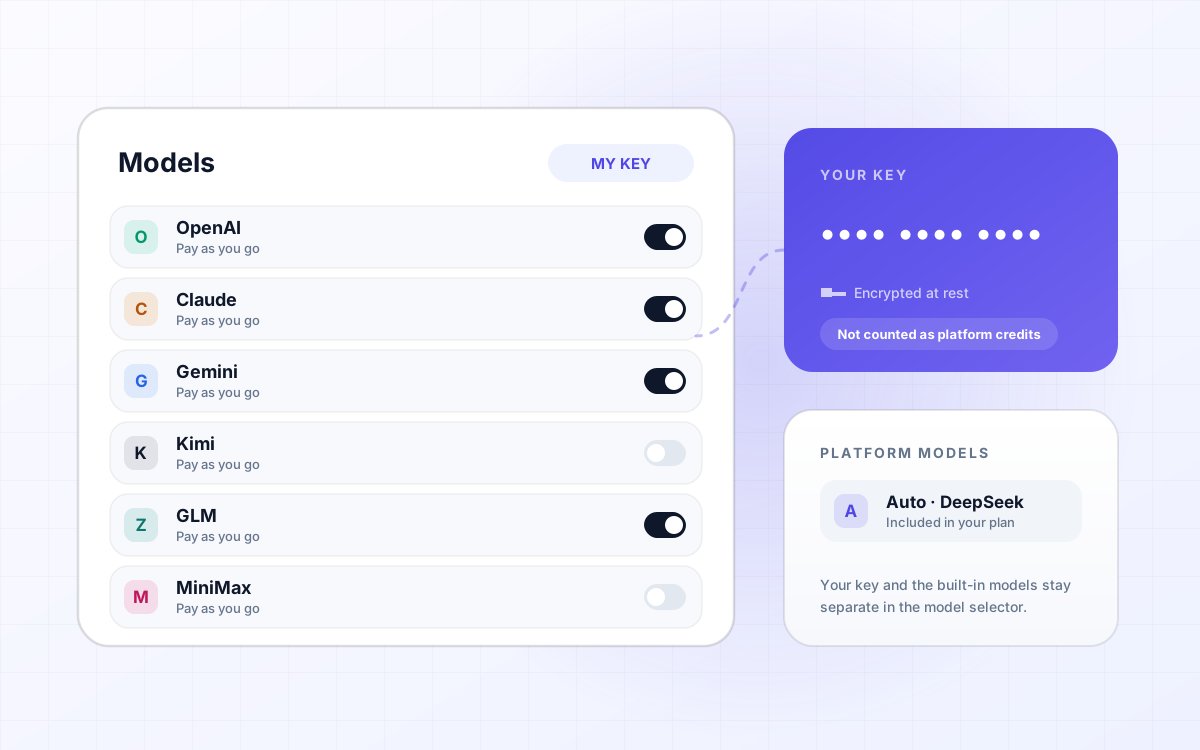 Product
LLM-notebook: Support for bring-your-own model API Key (BYOK)
LLM-notebook now supports bring-your-own-key (BYOK) for DeepSeek, Qwen, OpenAI, Claude, Gemini, Kimi, GLM and MiniMax. Calls made with your key are billed by the provider and do not consume LLM-notebook token credits; LLM-notebook built-in models and BYOK models stay clearly separated in the selector.
Read post Changelog
Changelog
From the first version on main to today, logged week by week. Every entry comes from a real commit — features, but also the mistakes and the rollbacks.
Read post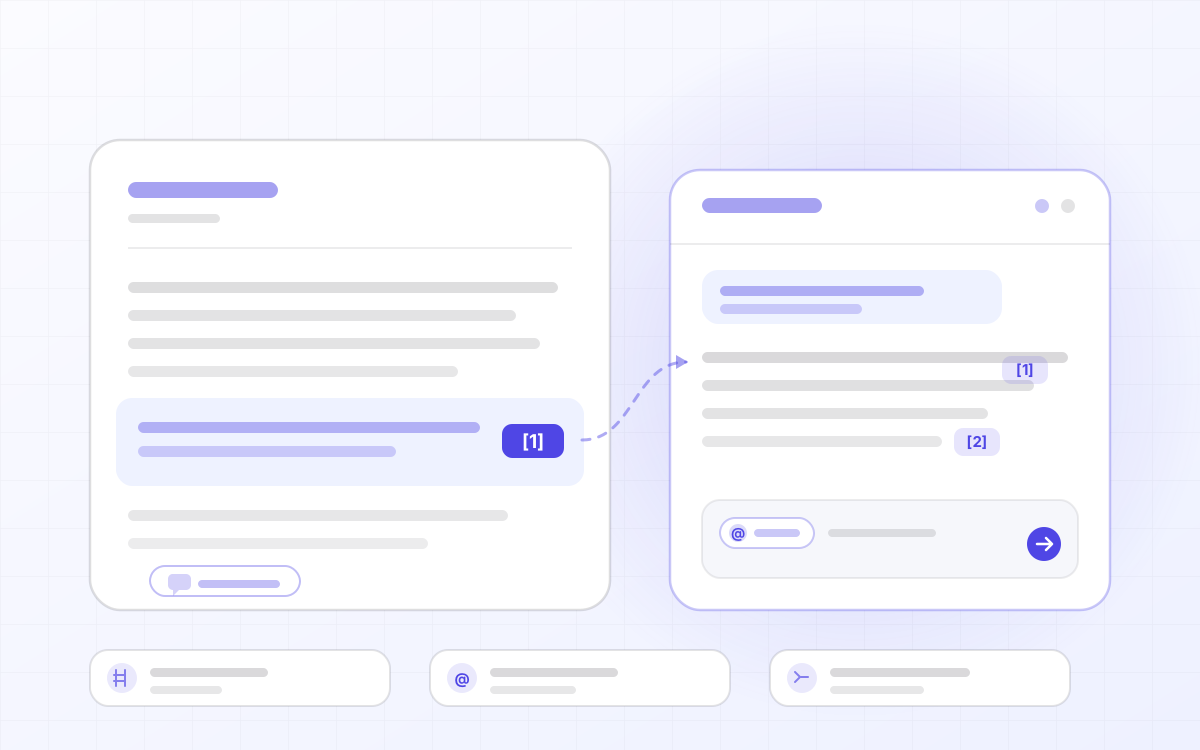 Ask
AskLLM-notebook: material you can question, answers you can trace
AI is changing how we learn from knowledge. In LLM-notebook, material is more than a static object you can read and search: it can be understood and questioned flexibly and personally, which greatly improves the efficiency of learning. On that basis, answers with citations make conclusions traceable, @-mentioning material organizes context across sources, and asking from a selection narrows inquiry to a single word. What emerges in the conversation can also settle into notes, so knowledge compounds.
Read post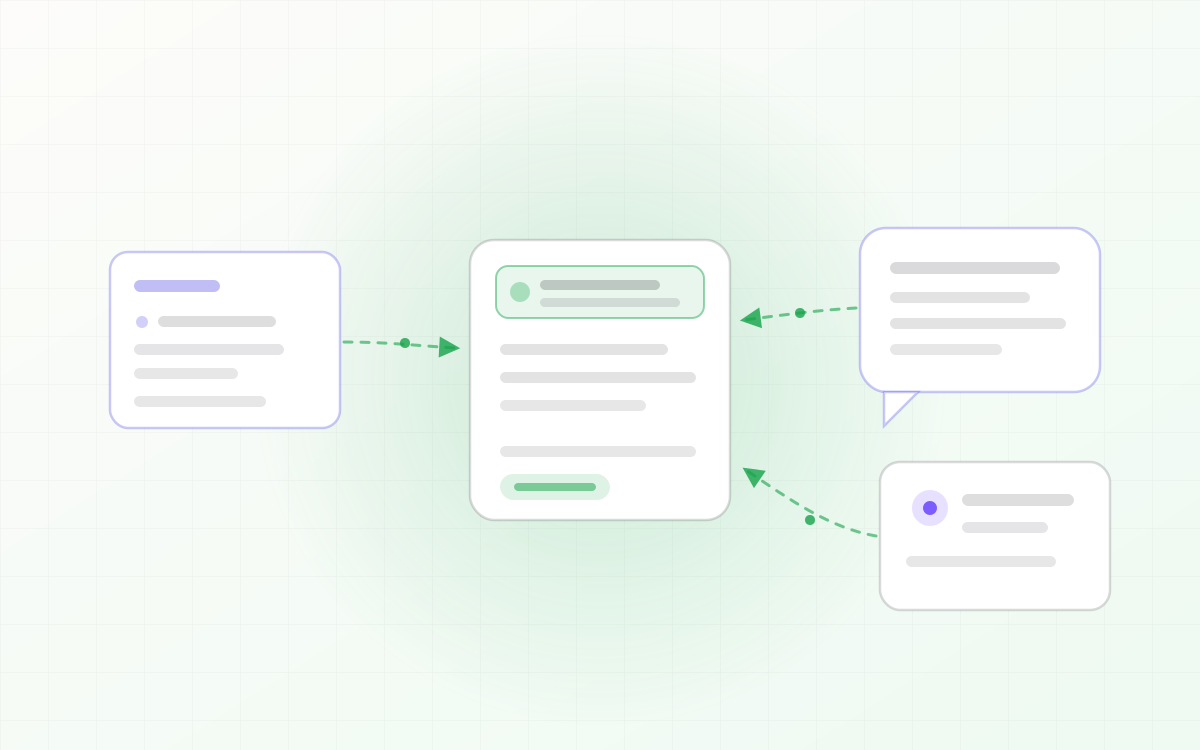 Agent
AgentLLM-notebook: turn agent sessions into knowledge assets
Agent sessions often contain conclusions worth keeping: the root cause you tracked down, the plan you settled on, the trade-offs in a draft. But they only exist inside the session — close it, and they're gone. LLM-notebook lets an agent save a session as material: one sentence, and the whole session becomes a knowledge asset you keep.
Read post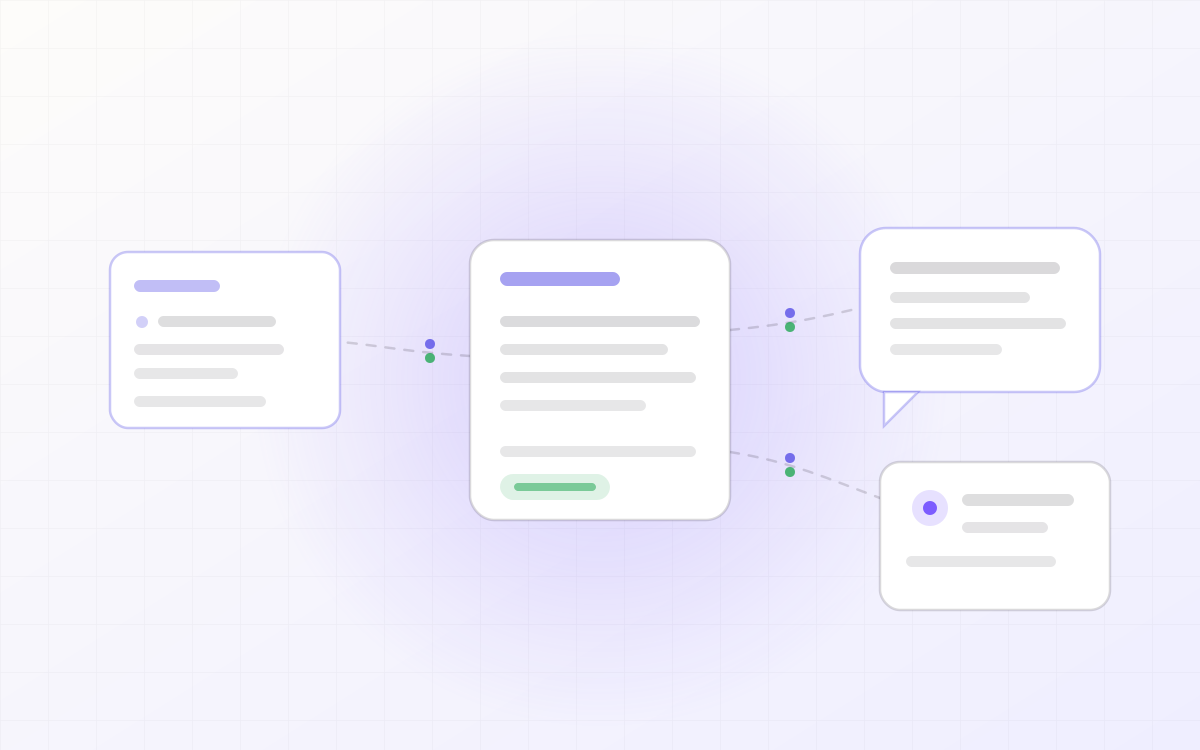 Agent
AgentLLM-notebook: a shared personal context and knowledge backend for your agents
Your agents don't share one context. Switch tools, and you're back to explaining the same background and feeding in the same details. LLM-notebook opens your material library to external agents as a shared knowledge backend: install the skill, approve access once, and any agent can search and read your materials and pick up where the last one left off.
Read post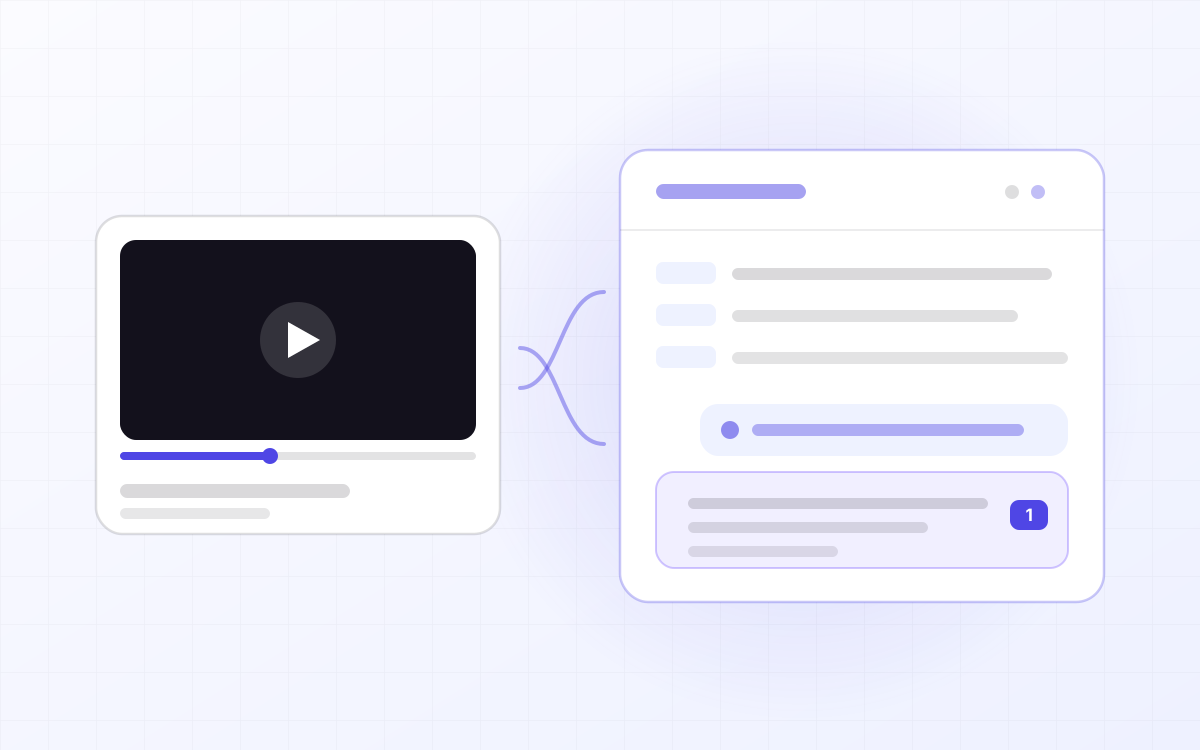 Ask
AskLLM-notebook: turn a YouTube video into material you can question
YouTube has whole courses on it, but video is linear: to find the sentence the instructor said ten minutes ago you drag the scrubber and hope, and there is nowhere to ask about the part you did not follow. LLM-notebook turns a YouTube link into material you can question — the video plays in the workspace, the subtitles are laid out by paragraph, and anything you do not understand you select and ask about. Answers cite the exact passage, and one click jumps back to that moment.
Read post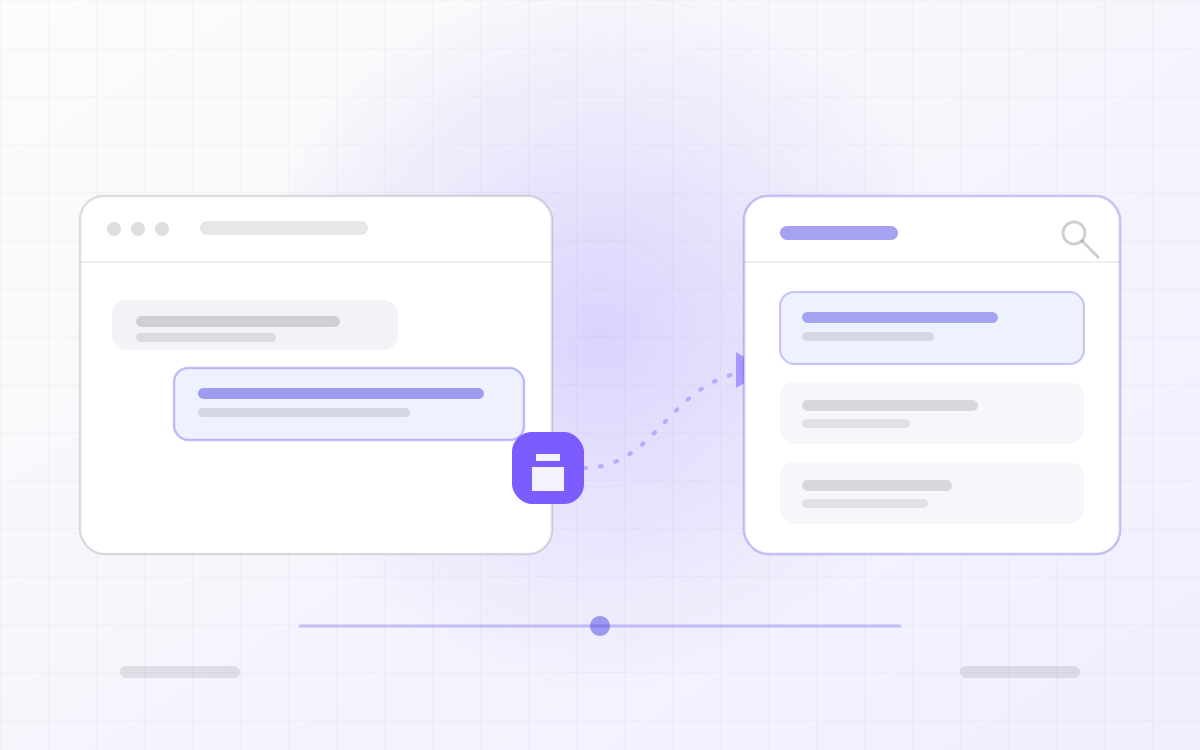 Collect
LLM-notebook: turning flowing LLM conversations into knowledge assets
A sharp answer in ChatGPT, a workable engineering practice in Gemini, reusable reference material in Qwen — and a week later it is scattered across four chat histories, impossible to search and impossible to edit. LLM-notebook collects LLM conversations into one library and settles them into notes you can read, export and share.
Read post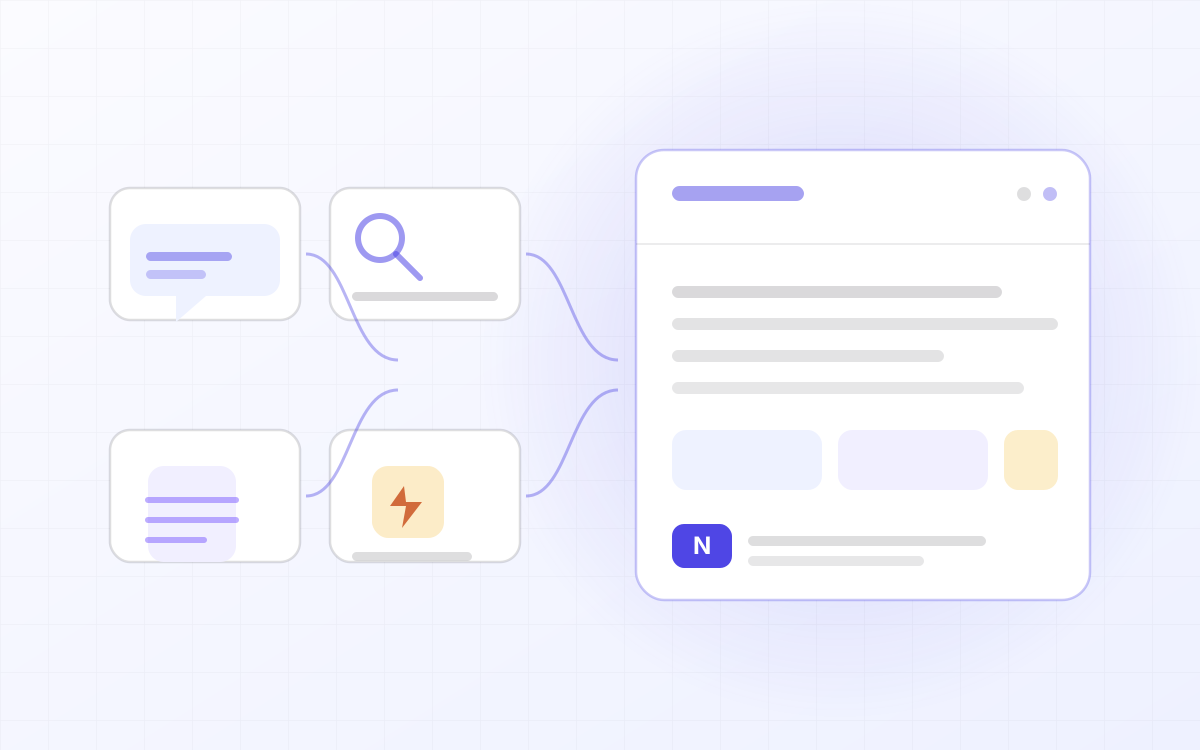 Product
LLM-notebook: the notebook for the AI era
In the AI era information is never scarce; what is scarce is information you can understand, find and reuse. Notes make AI understand you, and AI brings your notes to life. LLM-notebook is a notebook for the AI era: four kinds of material in one place, answers with sources, and an Agent that can read and write. A product overview.
Read post