
Three new shapes for a note, once the Agent lives inside
Note tools assume three jobs belong to you: writing, filing, carrying. With the Agent living inside, all three can be handed over — and the note itself gains new shapes.
A note tool assumes three jobs belong to you: writing, filing, and carrying. Once an Agent lives inside, all three can be handed over — and the note itself picks up new shapes. All three of the uses below work in the current version.
One: a draft you can revise by talking
Hand the passage to the conversation first: select it, hit "add to chat", and it enters the chat as context. No copy and paste.
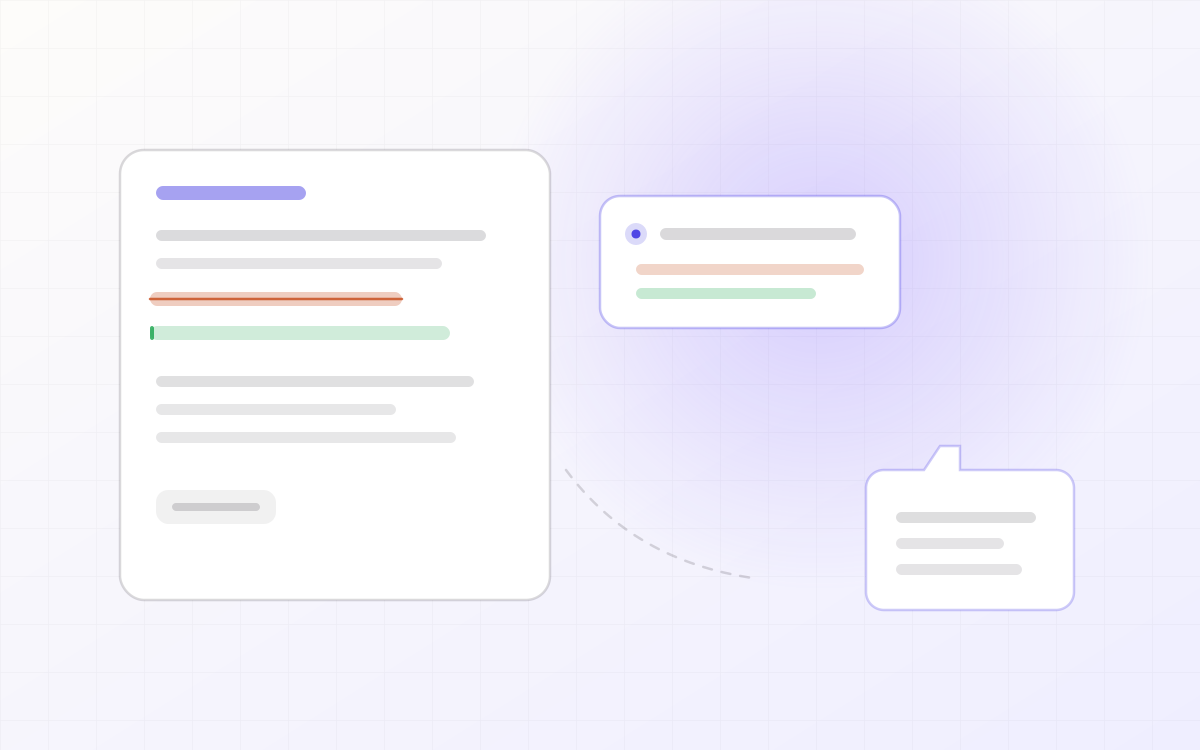
Then say "this is wordy, cut it to two lines". Note that it does not touch your file: it returns a block-by-block edit proposal with the original beside the rewrite, red for deletions and green for additions. You accept or reject block by block, or ask for another pass.
Revision starts to look like code review: partial acceptance, a clean retreat, and no hunting through your own folder for what changed between two versions.
Two: a library that files itself
Tell it: "organise the PDFs into folders by topic".
It answers with a plan first — which folders it will create, which material moves where — and only acts once you confirm, then reports what it did. A plan you can reject is what makes it safe to let an Agent near your library.
Filing used to be the thing you put off until later. Now it is one sentence.
Three: a library other Agents can use
The skill reads and writes. An external agent (Claude Code, Cursor, that sort of thing) can search your library for body text and sources, and write its result back as a new note.
The point is that the library stops being private data inside one web page and becomes a context source in your local agent workflow — what you saved is available while you work in the terminal.
What the three have in common
- All of them are propose, confirm, then act. The Agent never edits your work directly; it hands you a plan you can reject.
- Every conclusion carries its source, clickable back to the original.
- Writing back always creates something new. Existing work is never overwritten.
A note is no longer just the thing you saved. It is an object that answers, files itself, and can be used by other tools.
Install the skill and it works on what you already have. Nothing to migrate.
Keep reading
 Agent
AgentLet the Agent read and write your material
The ceiling of a chat window is that you keep re-feeding it context. With the skill installed, the Agent reads your library directly and writes back to your notes.
Read post Changelog
Changelog
Everything we changed, from the first version on main to today. Versions count up in release order (v0.0 to v1), and every entry maps to a real commit.
Read post Product
Why we did not build a nicer chat box
The chat box is the default shape of every AI product, and also its ceiling: context is used once and thrown away. Notes on the trade-off we made.
Read post