
LLM-notebook: Support for bring-your-own model API Key (BYOK)
LLM-notebook can now use your own model keys for its AI features.
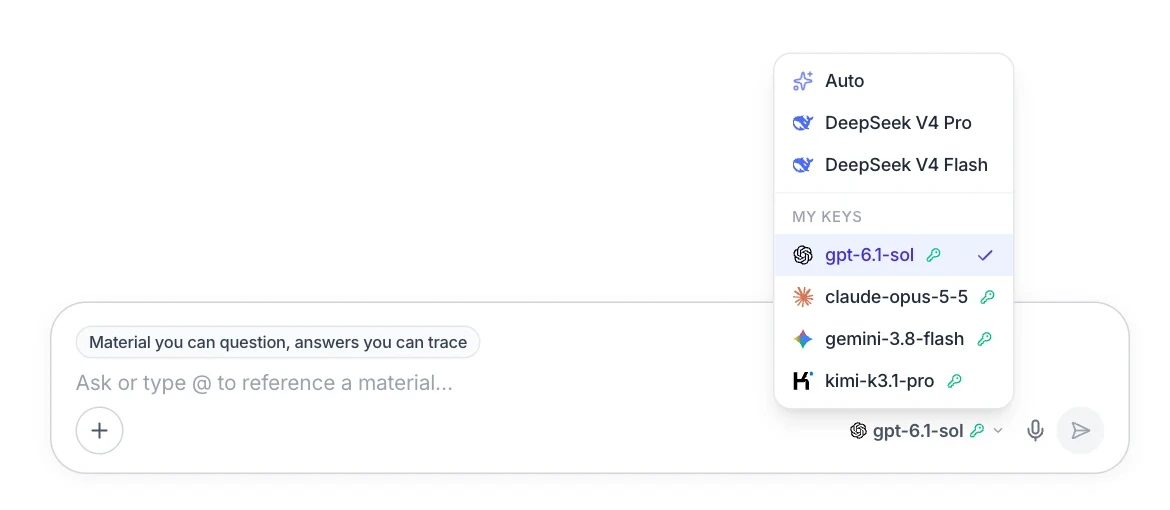
Calls made with your key are billed by the provider and do not consume LLM-notebook token credits; LLM-notebook built-in models and BYOK models stay clearly separated in the selector.
One: supported providers
Eight providers are supported:
| Provider | What you need |
|---|---|
| DeepSeek | An API key from the DeepSeek platform |
| Qwen | An Alibaba Cloud Model Studio API key |
| OpenAI | An OpenAI Platform API key (a ChatGPT subscription is not an API key) |
| Anthropic | An Anthropic Console API key (Claude Code's subscription login is not an API key) |
| Gemini | A Google AI Studio / Gemini API key |
| Kimi | A Moonshot / Kimi platform API key |
| GLM | A Zhipu platform API key |
| MiniMax | A MiniMax platform API key |
Two: add a model
- Open Account → Models and choose Add model.
- Pick a provider. The Base URL defaults to the official endpoint.
- Paste the API key.
- Open the Available models dropdown; the app fetches the model list with that key and shows the options. Select the models you want and choose Verify and add.
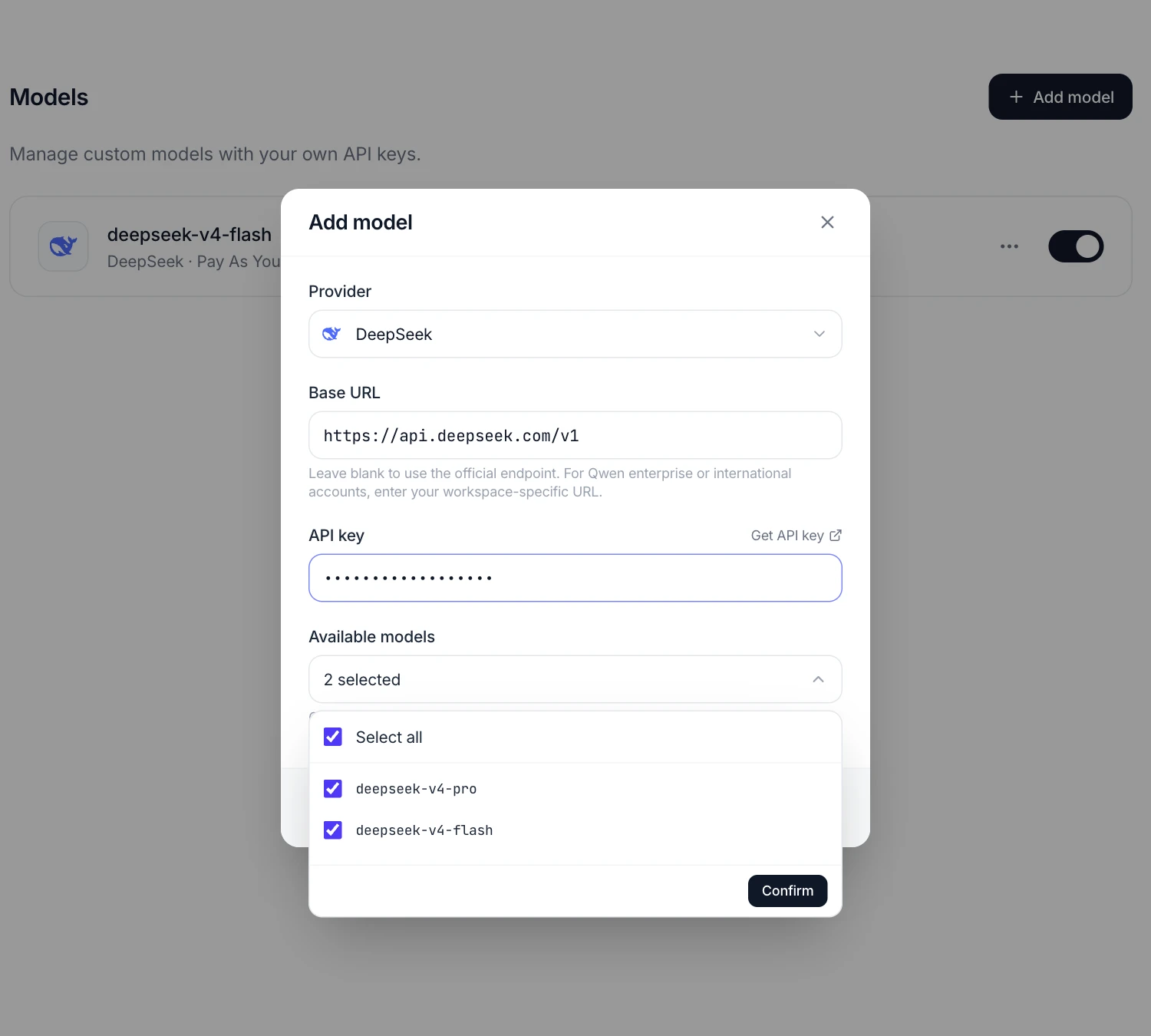
A newly added model can be disabled or deleted at any time.
Three: after adding — choose the model in the AI chat box
Once a model is added and enabled, it appears in the AI chat box's model selector.
Get started
Project home: llm-notebook.com
Sign up with Google, WeChat or email (registration page). New users get a free 14-day trial plus $0.69 of token credit.
If you run into any problem while using it, you can submit feedback from Account → Feedback, or contact us directly by email at llm-notebook@intlinkbridge.com. Thanks for your support and feedback!
Keep reading
 Product
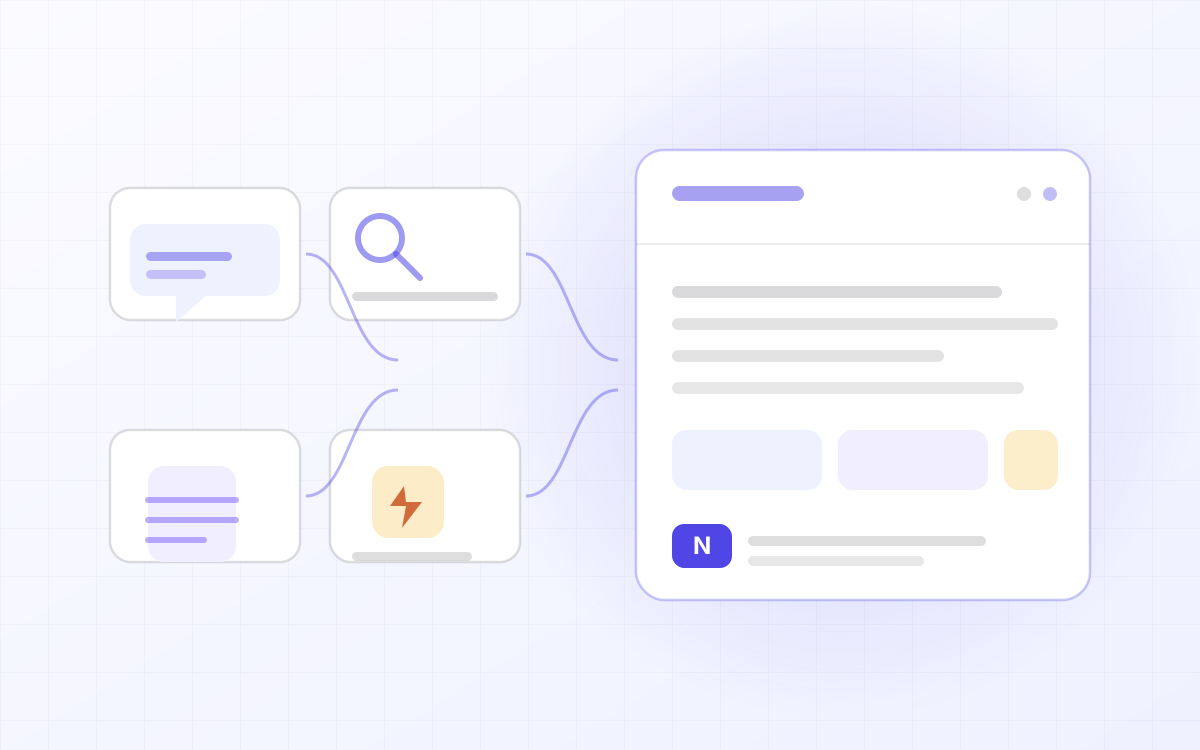
LLM-notebook: the notebook for the AI era
In the AI era information is never scarce; what is scarce is information you can understand, find and reuse. Notes make AI understand you, and AI brings your notes to life. LLM-notebook is a notebook for the AI era: four kinds of material in one place, answers with sources, and an Agent that can read and write. A product overview.
Read post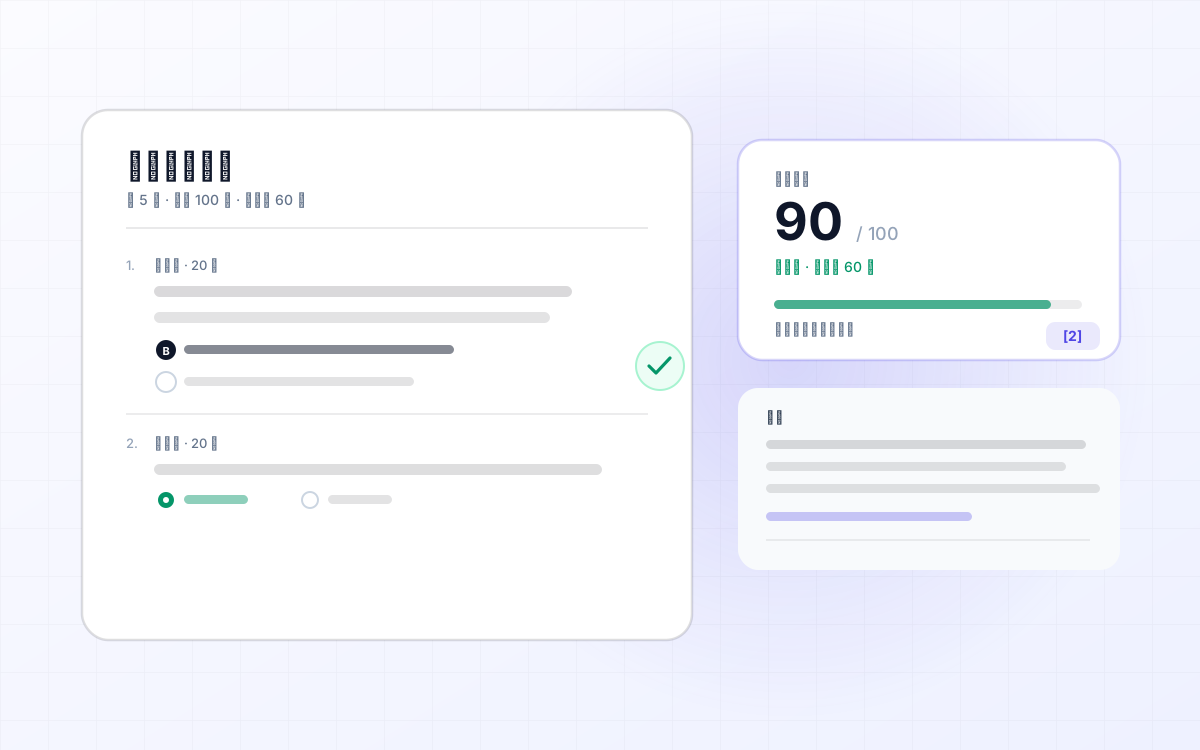 Create
LLM-notebook: turn what you have read into a quiz you can practise
Having seen something is not the same as having learned it. LLM-notebook can turn saved articles, courses, product manuals or notes into a quiz: test yourself, review the answers and explanations, ask AI about mistakes, or export to PDF / Word.
Read post Changelog
From the first version on main to today, logged week by week. Every entry comes from a real commit — features, but also the mistakes and the rollbacks.
Read post