
LLM-notebook: turning flowing LLM conversations into knowledge assets
Has this ever happened to you?
We get a sharp answer in ChatGPT, a proven engineering practice in Gemini, high-frequency reference material in Qwen… and a week later, when we want to reuse any of it, we find it scattered across chat histories — across several platforms' chat histories. Want to search it: nothing. Want to adapt it: nowhere to put it. Want to organize it: copy and paste, one block at a time 🤯.
LLM-notebook is here
Project home: llm-notebook.com
To fix the pain of collecting and organizing LLM conversations, LLM-notebook gives you a shortcut for saving them. It helps you:
-
Pick a chat like picking fruit
With the companion Chrome / Edge extension, when you see an answer worth keeping on ChatGPT, Gemini, Qwen, Kimi and other mainstream chat pages, one click picks it up. No more copy-paste, and the original formatting survives as far as possible. Everything funnels to one place: whatever you work out in whichever model ends up in the same library.
-
Let conversations settle into knowledge
A conversation is fragmented; a note is systematic. LLM-notebook has a rich-text and Markdown editor built in. Collect a conversation, then organize and settle it into a note you can read any time. Notes export and share online in a couple of clicks.
How to use it
- Download the LLM-notebook browser extension. It is published on the Chrome and Edge stores (reachable from China).
- Register and sign in. Open the registration page (llm-notebook.com/login), create an account and sign in. You land on the notebook home (llm-notebook.com/note):
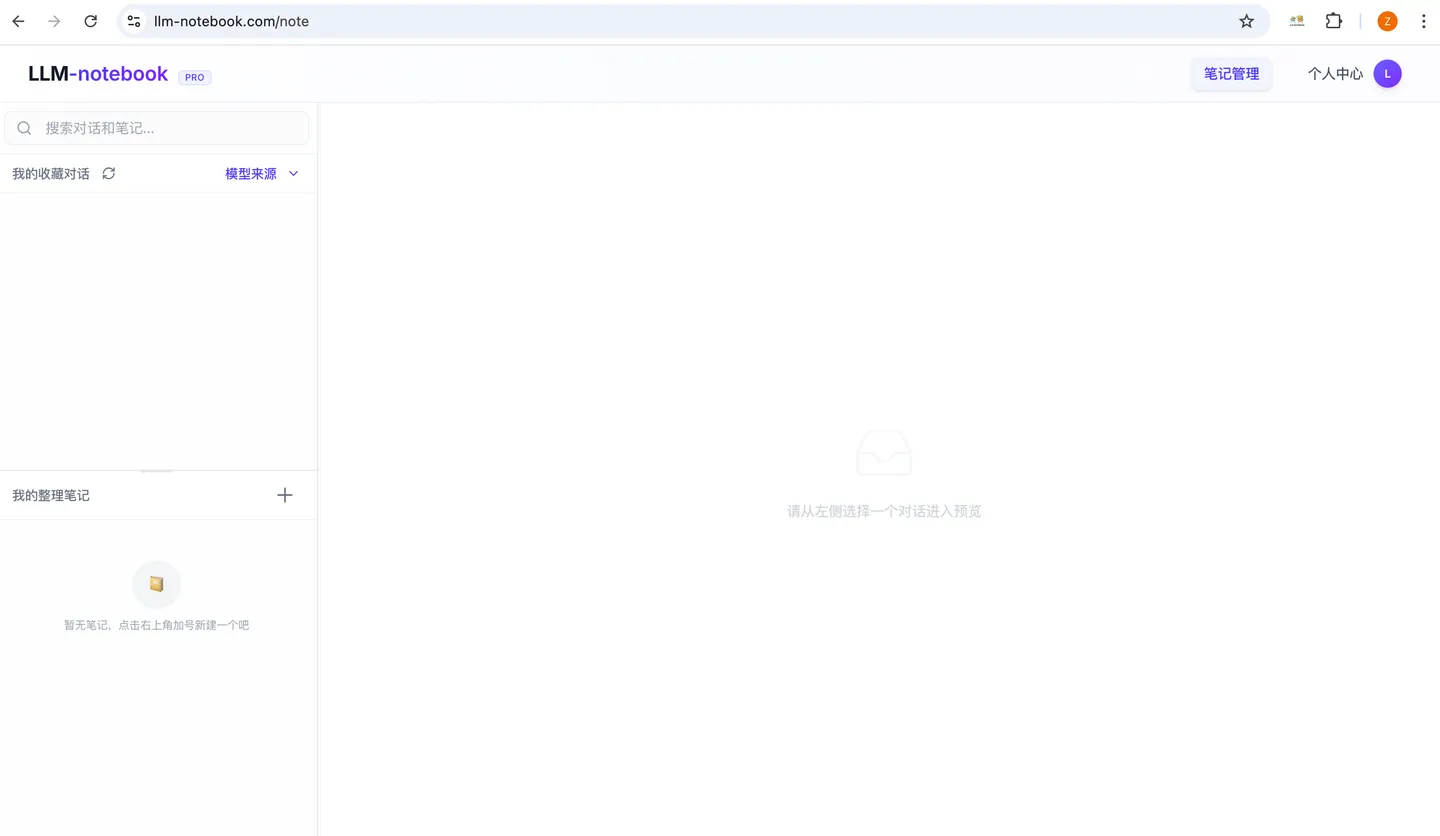
Collecting a conversation
Go to the chat platform you use and collect a conversation. Qwen Chat as the example:
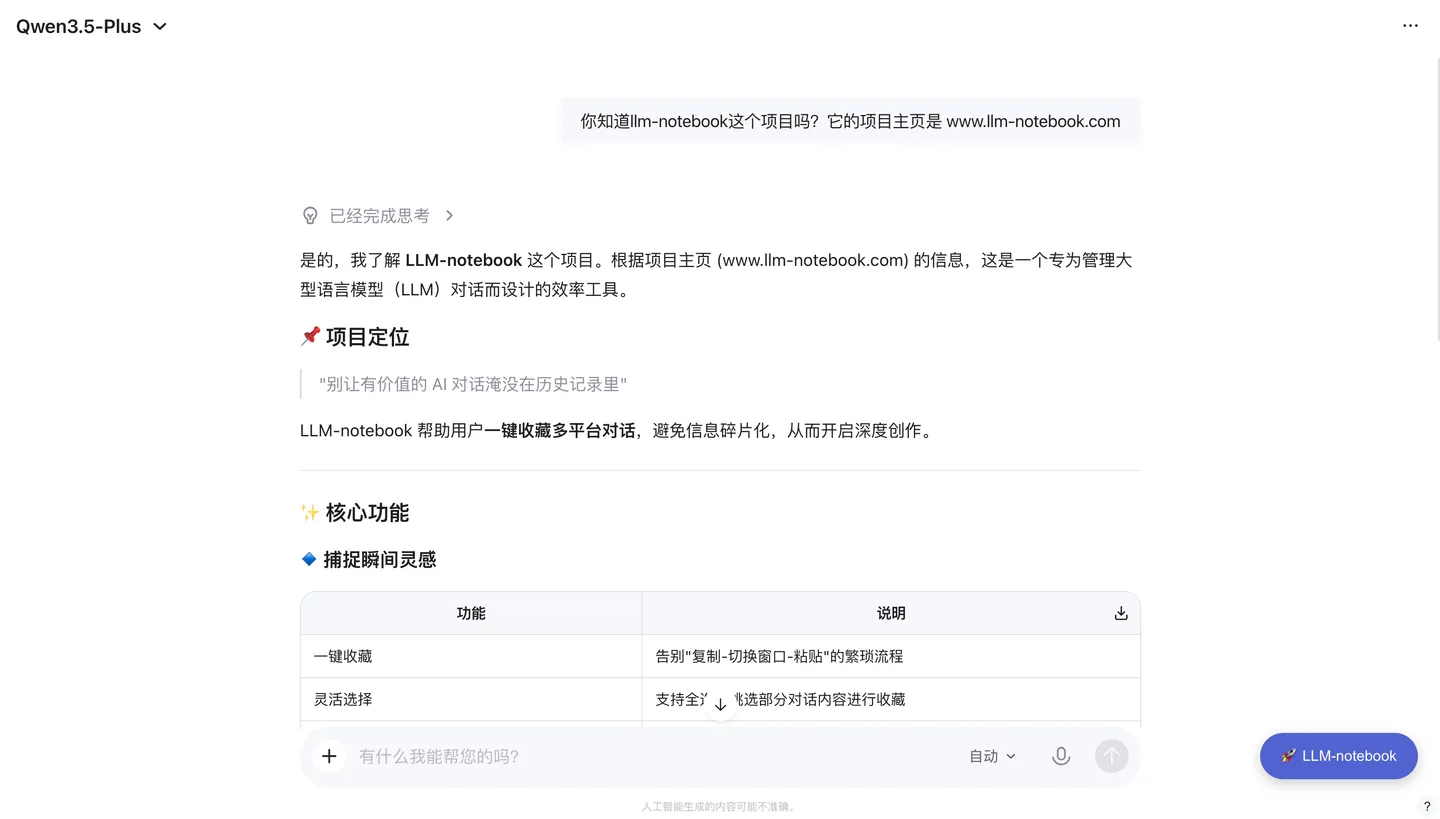
See the purple LLM-notebook button in the bottom-right corner? That is the extension you installed. Click it and tick the messages you want to collect:
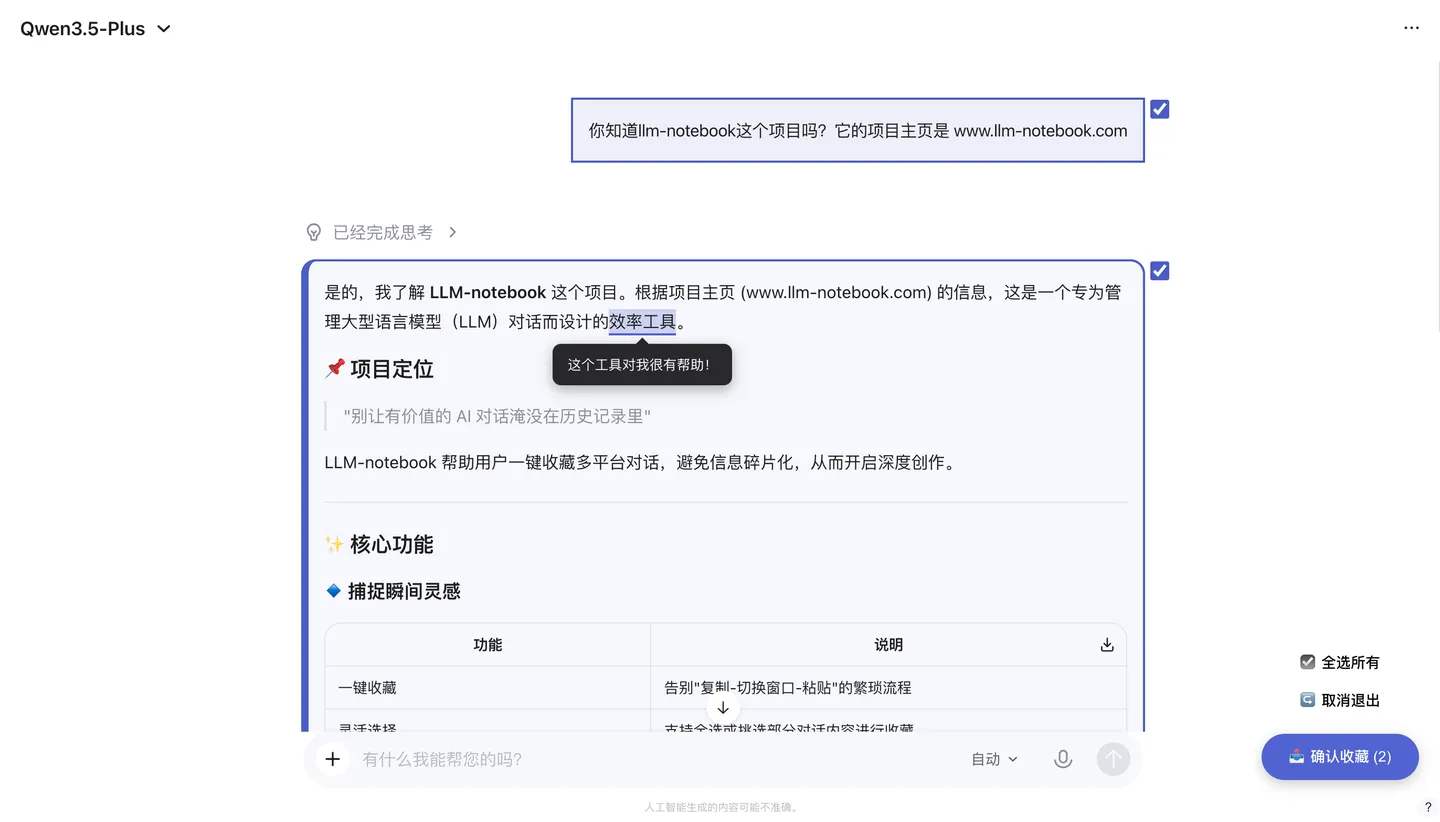
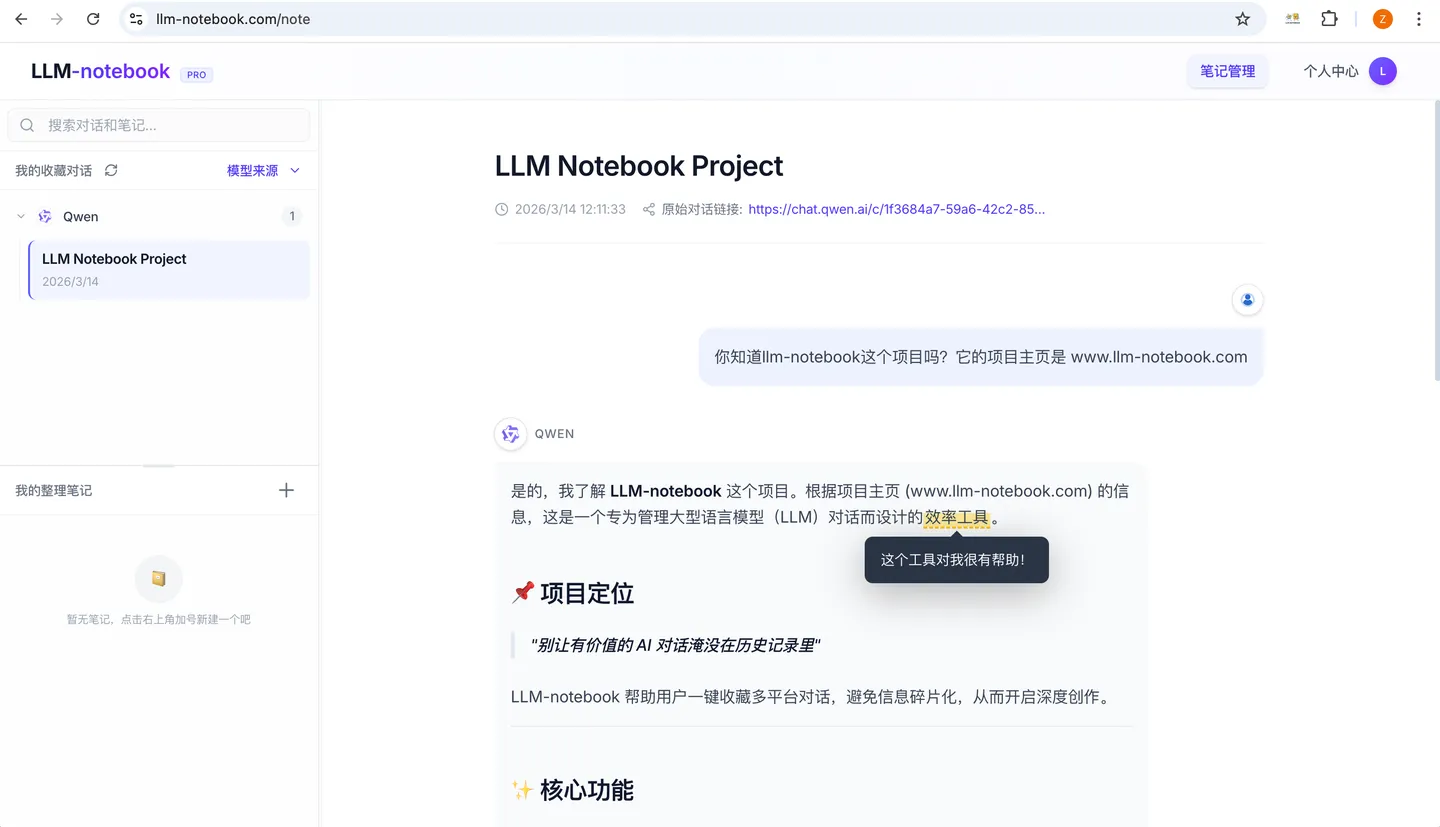
Feedback
Project home: llm-notebook.com
If you run into any problem while using it, you can submit feedback from Account → Feedback, or contact us directly by email at llm-notebook@intlinkbridge.com. Thanks for your support and feedback!
Let LLM-notebook help you turn a flowing conversation into a fixed asset.
Keep reading
 Agent
AgentLLM-notebook: 将 Agent 会话沉淀为知识资产
Agent 会话里往往藏着很有价值的结论:排查出的原因、定下的方案、草稿里的取舍。但它们只活在会话里,会话一关就散了。LLM-notebook 让 Agent 把会话收藏成素材——一句话,整段会话沉淀为你的知识资产。
Read post Agent
AgentLLM-notebook: Agent 的共享知识后端
你的 Agent 不止一个,但它们不共享同一份上下文:换个工具,之前交代过的背景要重新讲一遍。LLM-notebook 把素材仓开放给外部 Agent,作为它们的共享知识后端——装上 skill、点一次「允许」,它就能检索并读取你的素材,也能把会话收藏回来。
Read post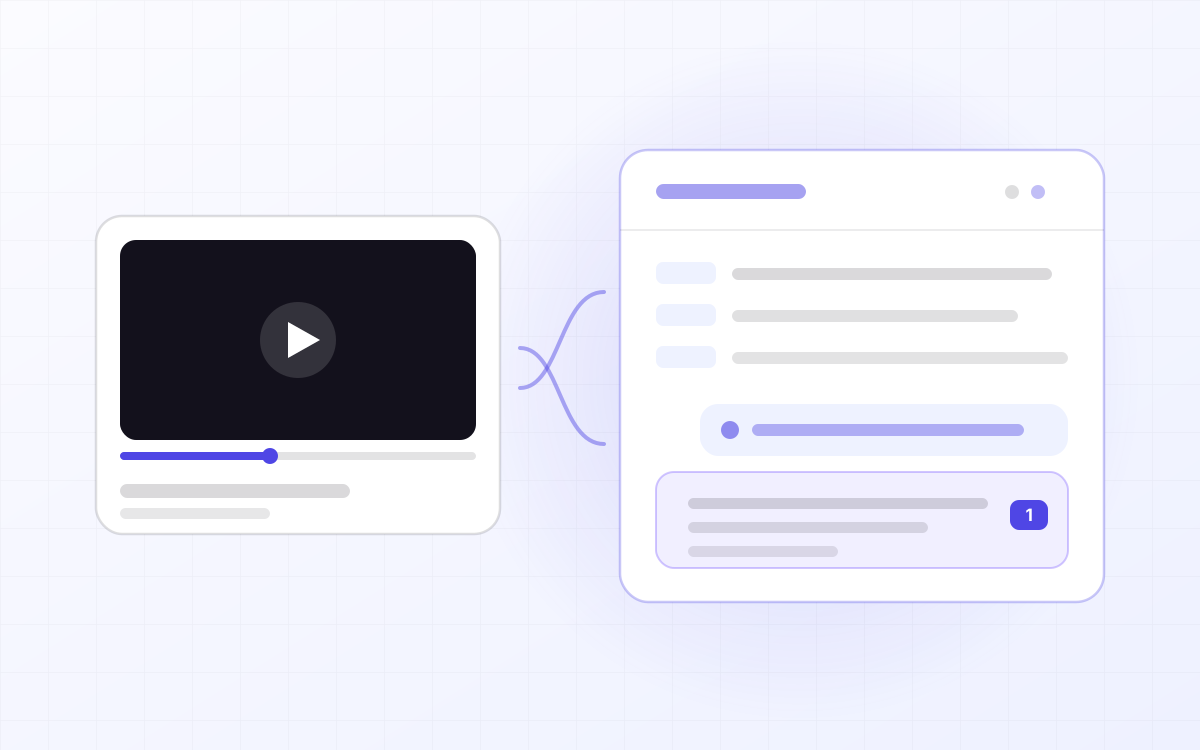 Ask
AskLLM-notebook: turn a YouTube video into material you can question
YouTube has whole courses on it, but video is linear: to find the sentence the instructor said ten minutes ago you drag the scrubber and hope, and there is nowhere to ask about the part you did not follow. LLM-notebook turns a YouTube link into material you can question — the video plays in the workspace, the subtitles are laid out by paragraph, and anything you do not understand you select and ask about. Answers cite the exact passage, and one click jumps back to that moment.
Read post