
LLM-notebook: Agent 的共享知识后端
现在用 AI 干活的人,手边通常不止一个 Agent。它们各自都不弱,但彼此不通气:同一份背景,你在 A 里讲过,换到 B 里还得再讲一遍;上周在 A 里得出的结论,今天在 B 里它完全不知道;你已经收藏、也已经理解的内容,它同样不知道。问题的根源在于它们不共享同一份上下文。
LLM-notebook 的做法,是构建 Agent 的共享知识后端。它解决两件事:一是 Agent 之间的信息桥梁——一个 Agent 理清的结论和上下文收进库里,另一个 Agent 直接就能读到;二是天然的个人上下文——素材仓里的各种素材,Agent 可以直接检索、读取,不必等你手动喂一遍。
让 LLM-notebook 成为 Agent 的共享知识后端
需要安装 LLM-notebook skill 使用。安装方法很简单,把下面一段话发送给 Agent
安装 LLM-notebook skill:
https://llm-notebook.com/api/skills/skill.md
skill 会通过远程 MCP 接入:不需要安装 CLI,也不需要在本地保存令牌。
写入 LLM-notebook:对 Agent 说「收藏到 LLM-notebook」,即可把相关信息收入素材仓;Agent 会话会保存进专门的系统文件夹「Agent 会话」。
读取 LLM-notebook:对 Agent 说「查一下我在 LLM-notebook 中关于 XXX 的相关信息」,让它检索素材仓;说「阅读 LLM-notebook 素材仓中 YYY 的会话上下文,我们继续」,就能接着上次的工作往下做。
Agent 读写权限
出于信息保护考虑,首次使用需要授予 Agent 对 LLM-notebook 的读写权限。
授权页上会写清楚是哪个 Agent、要哪几项权限:
| 它能做什么 | 具体含义 |
|---|---|
| 收藏会话为素材 | 把当前这段会话整理成一条素材,存进你的库 |
| 读取你的素材 | 按关键词检索,并读取正文 |
使用与反馈
项目主页:llm-notebook.com
在使用过程中碰到任何问题,可以在「个人中心 - 问题反馈」页面提交反馈,也可直接通过邮件与 llm-notebook@intlinkbridge.com 联系。感谢您的支持和反馈~!
Keep reading
 Agent
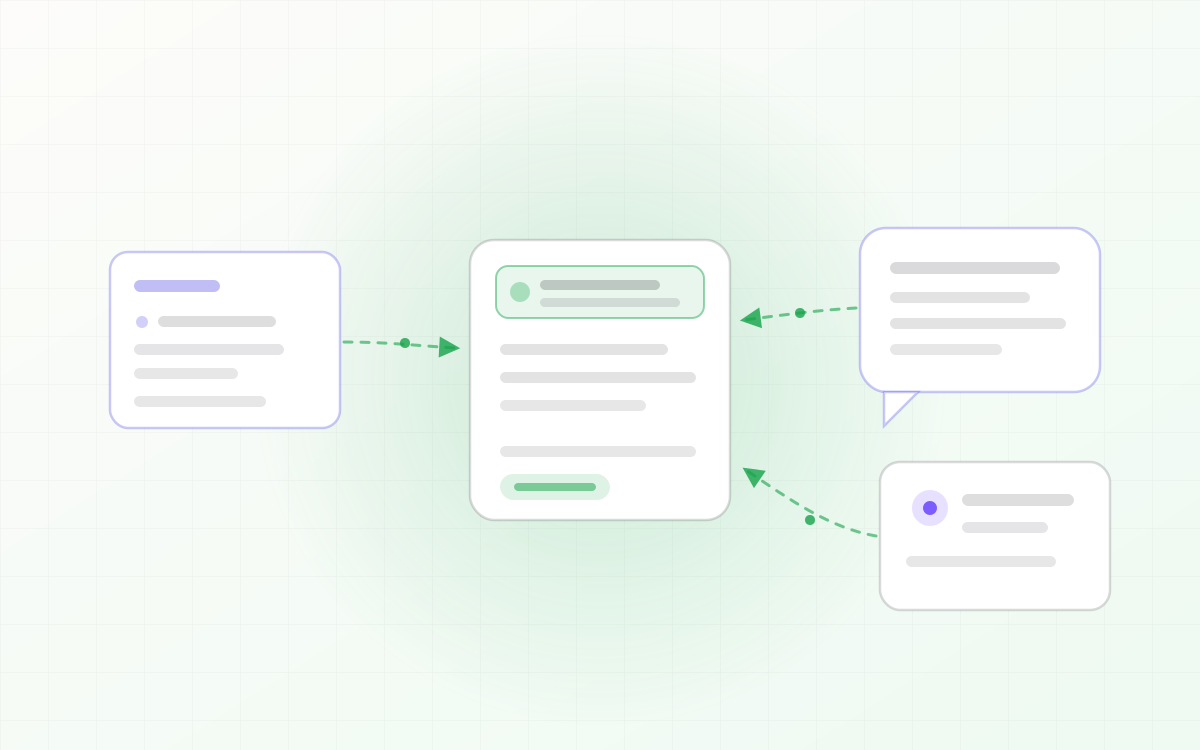
AgentLLM-notebook: 将 Agent 会话沉淀为知识资产
Agent 会话里往往藏着很有价值的结论:排查出的原因、定下的方案、草稿里的取舍。但它们只活在会话里,会话一关就散了。LLM-notebook 让 Agent 把会话收藏成素材——一句话,整段会话沉淀为你的知识资产。
Read post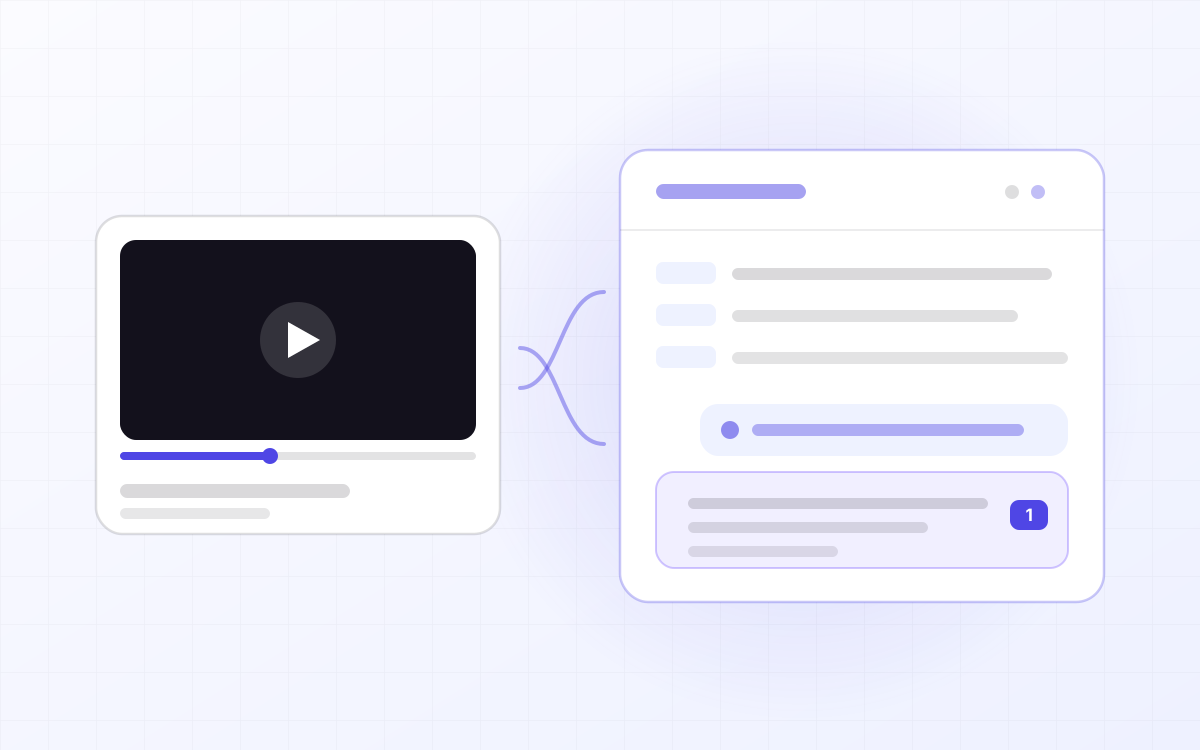 Ask
AskLLM-notebook: turn a YouTube video into material you can question
YouTube has whole courses on it, but video is linear: to find the sentence the instructor said ten minutes ago you drag the scrubber and hope, and there is nowhere to ask about the part you did not follow. LLM-notebook turns a YouTube link into material you can question — the video plays in the workspace, the subtitles are laid out by paragraph, and anything you do not understand you select and ask about. Answers cite the exact passage, and one click jumps back to that moment.
Read post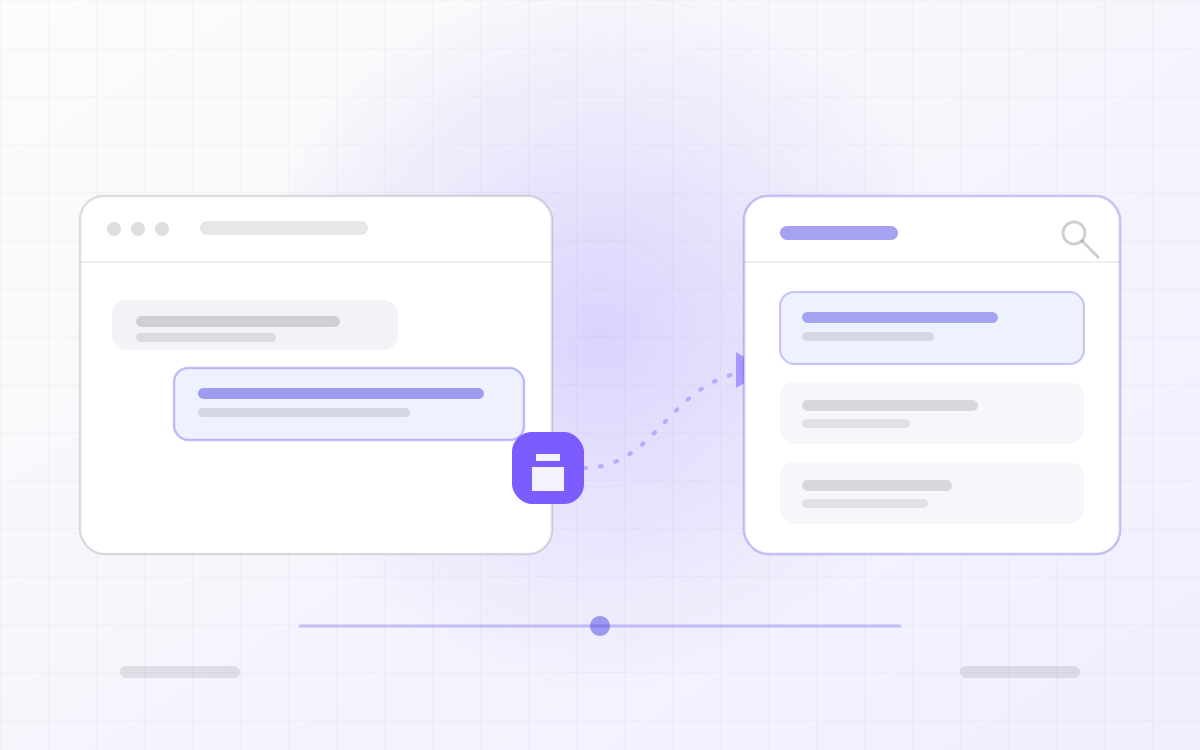 Collect
LLM-notebook: turning flowing LLM conversations into knowledge assets
A sharp answer in ChatGPT, a workable engineering practice in Gemini, reusable reference material in Qwen — and a week later it is scattered across four chat histories, impossible to search and impossible to edit. LLM-notebook collects LLM conversations into one library and settles them into notes you can read, export and share.
Read post