
LLM-notebook: material you can question, answers you can trace
AI has transformed the traditional way we learn from knowledge. In LLM-notebook, material is more than a "static object to read and search": we can understand it and ask flexible, personalized questions about it, greatly improving the efficiency of learning. On that basis:
- answers with citations make conclusions traceable;
- @-mentioning material lets context be organized across sources;
- asking from a selection narrows the granularity of inquiry to a single word.
In addition, content produced during the conversation can settle into notes, so knowledge compounds.
One: answers with citations, for conclusions that are credible and traceable
When you ask a question about a file, key information in the answer carries citation markers such as [1] and [2]. Clicking a marker locates the cited passage in the workspace and highlights it. This "grounded in your sources" approach makes the answer traceable, easy to check, and more trustworthy.
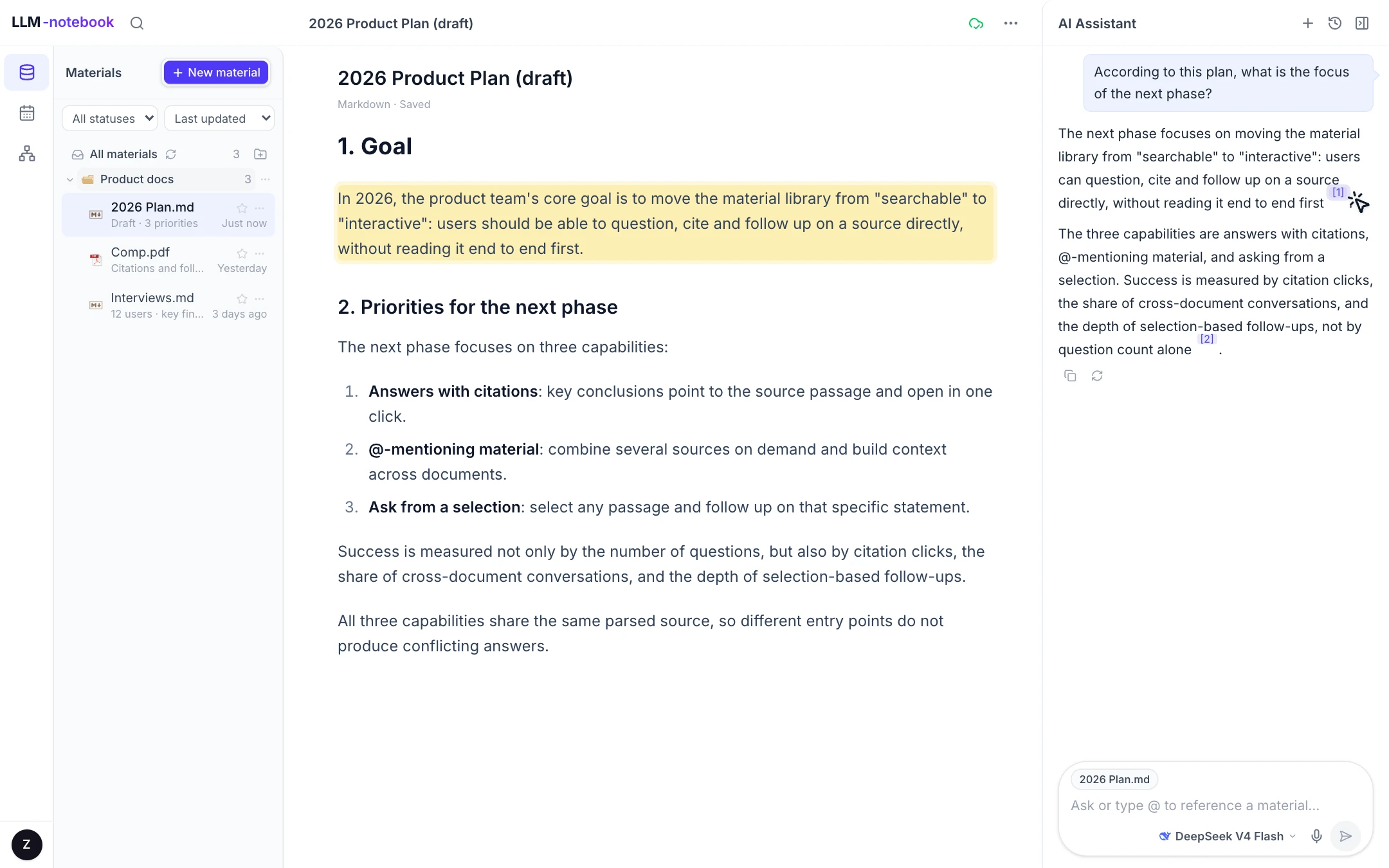
Two: @ a material to assemble context across documents
Type @ in the input box and select a material to quickly bring a file, document or piece of code into the current context. Typical use cases include placing a new proposal beside the previous version to compare them, or citing an existing file as a supplement to the current conversation.
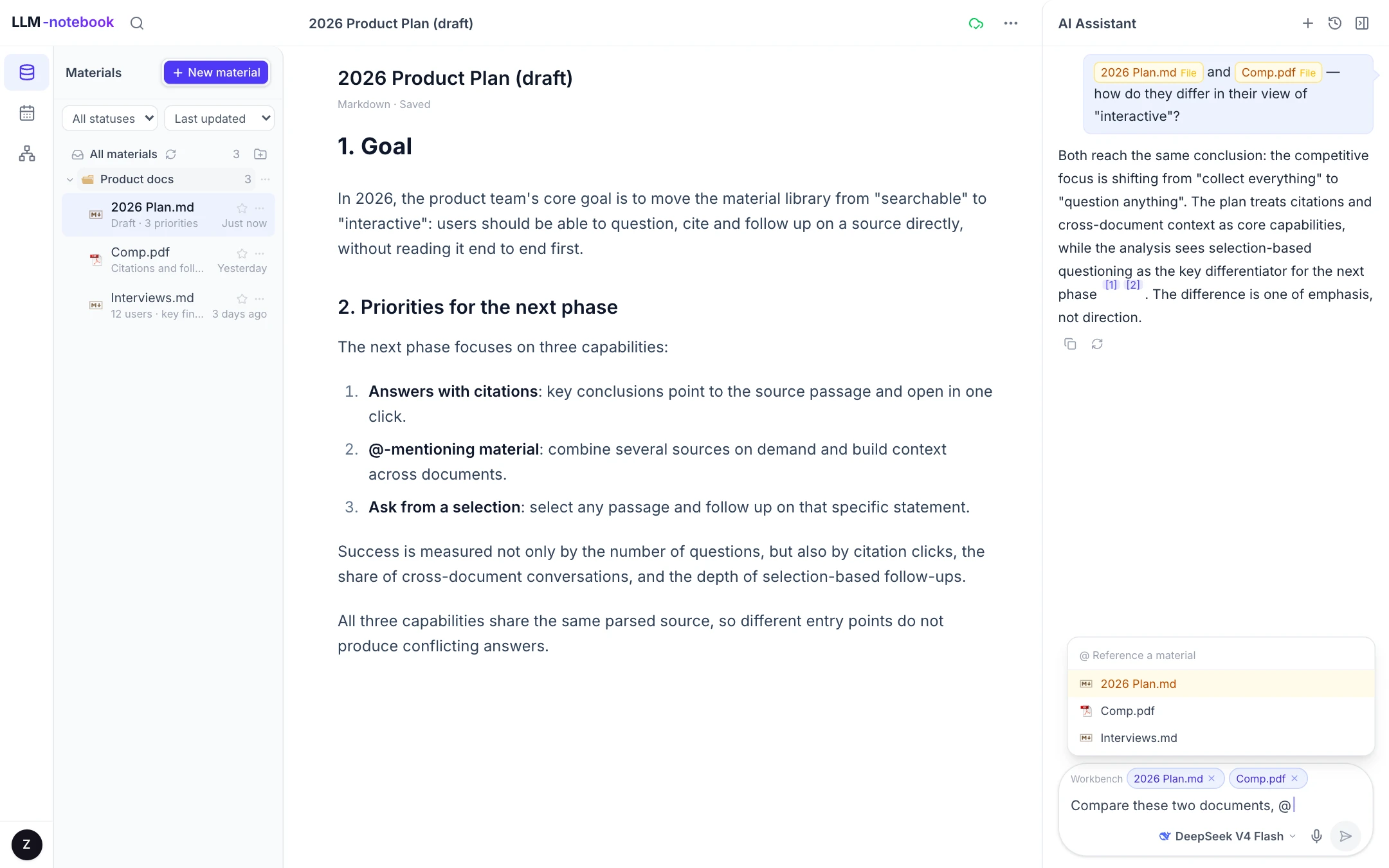
Three: ask from a selection, down to a specific passage
Select a passage in the workspace and choose "Add to chat." The passage enters the input box as a quote, and the next question refers directly to the selected text.
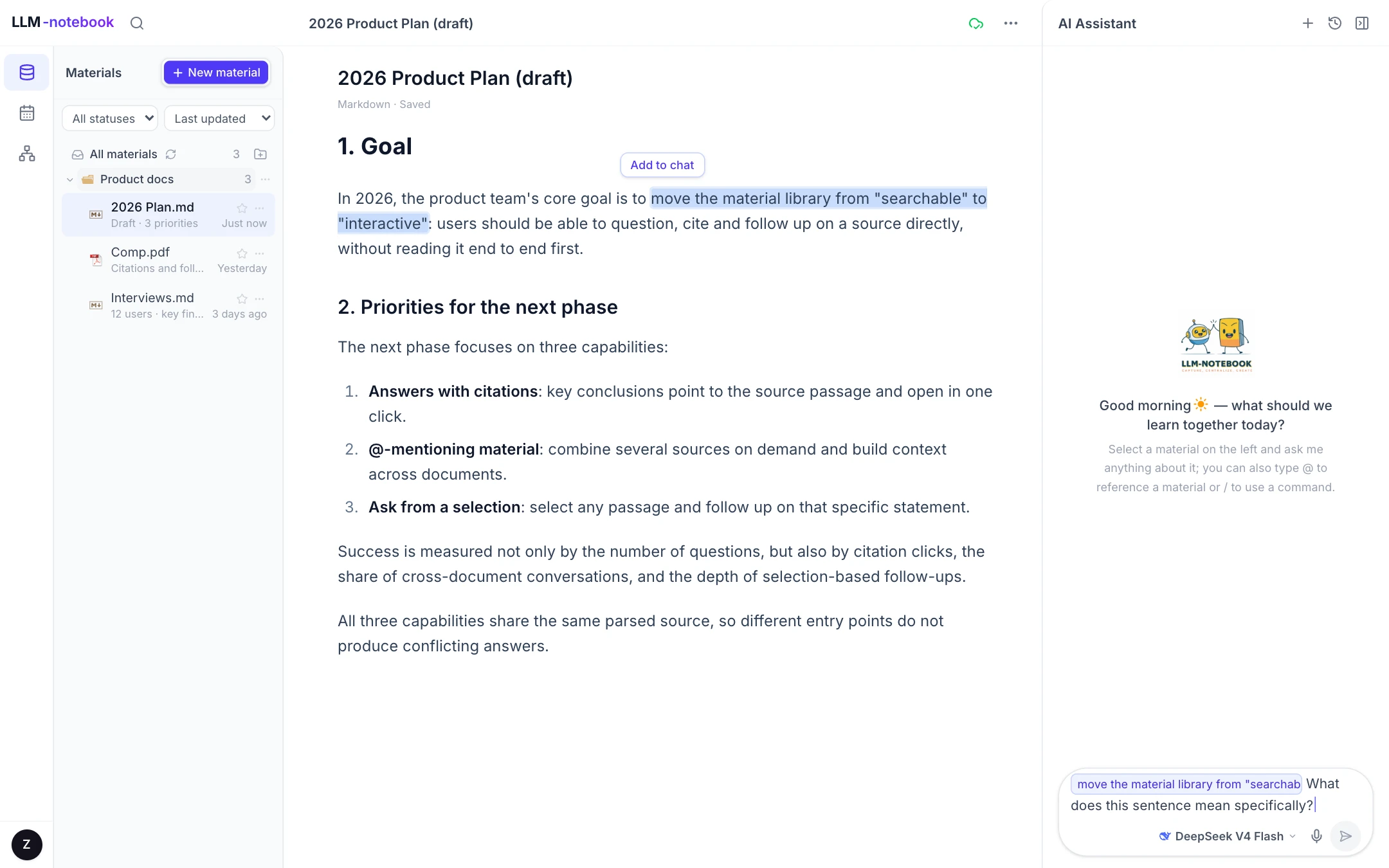
It fits situations that require sentence-level precision:
- a clause in a contract that is difficult to interpret;
- a definition in a paper that is ambiguous;
- a paragraph in a long report that needs further questioning.
The document supplies the background; the selection supplies the focus. Together they allow the answer to remain grounded in context without becoming generic.
Support for multiple material types
The interaction is not limited to a single format. Common files (PDF, Word, PPT, Markdown, Excel, audio and more), web pages, LLM chats and agent sessions can all be imported into the library and then searched, cited and questioned in the same way.
Video is worth a separate note (Bilibili and YouTube links are currently supported). After a video link is imported, its subtitles are extracted automatically. Ask about the subtitles and click a timestamp to return to the corresponding moment — like having a private tutor beside you while you attend a lecture. For a detailed walkthrough, see LLM-notebook: turn a YouTube video into material you can question.
Get started
Project home: llm-notebook.com
Sign up with Google, WeChat or email (registration page). New users get a free 14-day trial plus $0.69 of token credit.
If you run into any problem while using it, you can submit feedback from Account → Feedback, or contact us directly by email at llm-notebook@intlinkbridge.com. Thanks for your support and feedback!
Keep reading
 Ask
AskLLM-notebook: turn a YouTube video into material you can question
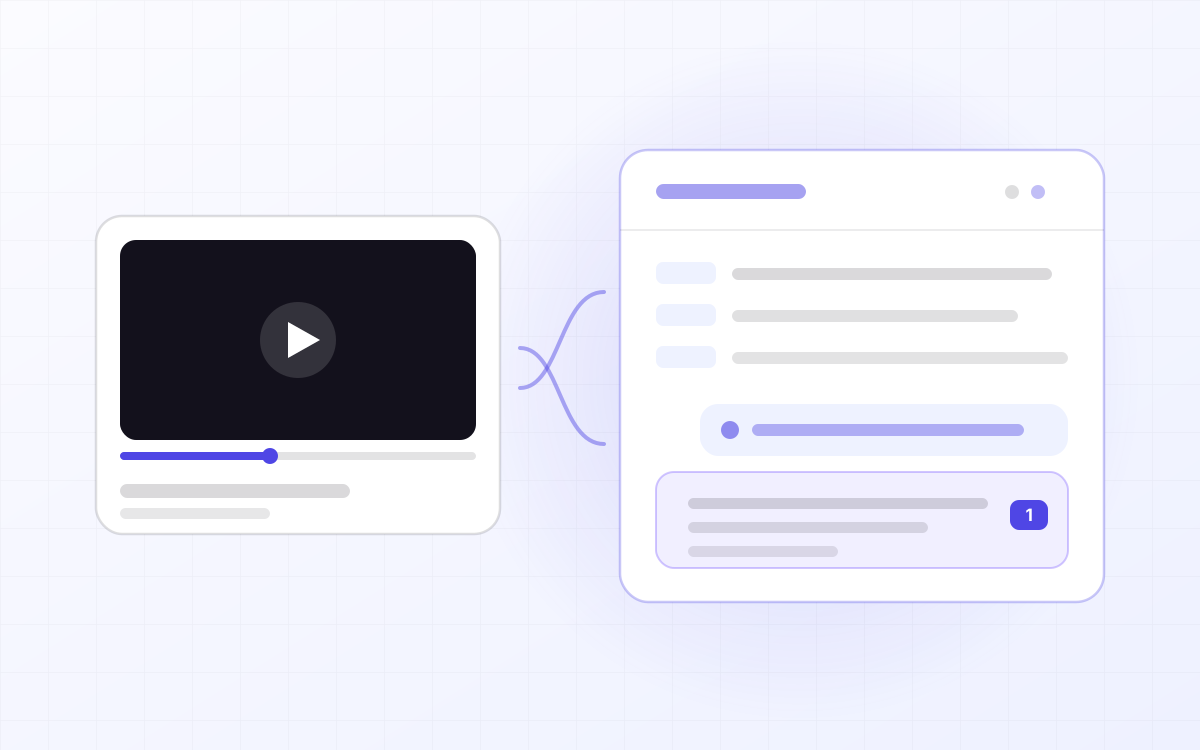
YouTube has whole courses on it, but video is linear: to find the sentence the instructor said ten minutes ago you drag the scrubber and hope, and there is nowhere to ask about the part you did not follow. LLM-notebook turns a YouTube link into material you can question — the video plays in the workspace, the subtitles are laid out by paragraph, and anything you do not understand you select and ask about. Answers cite the exact passage, and one click jumps back to that moment.
Read post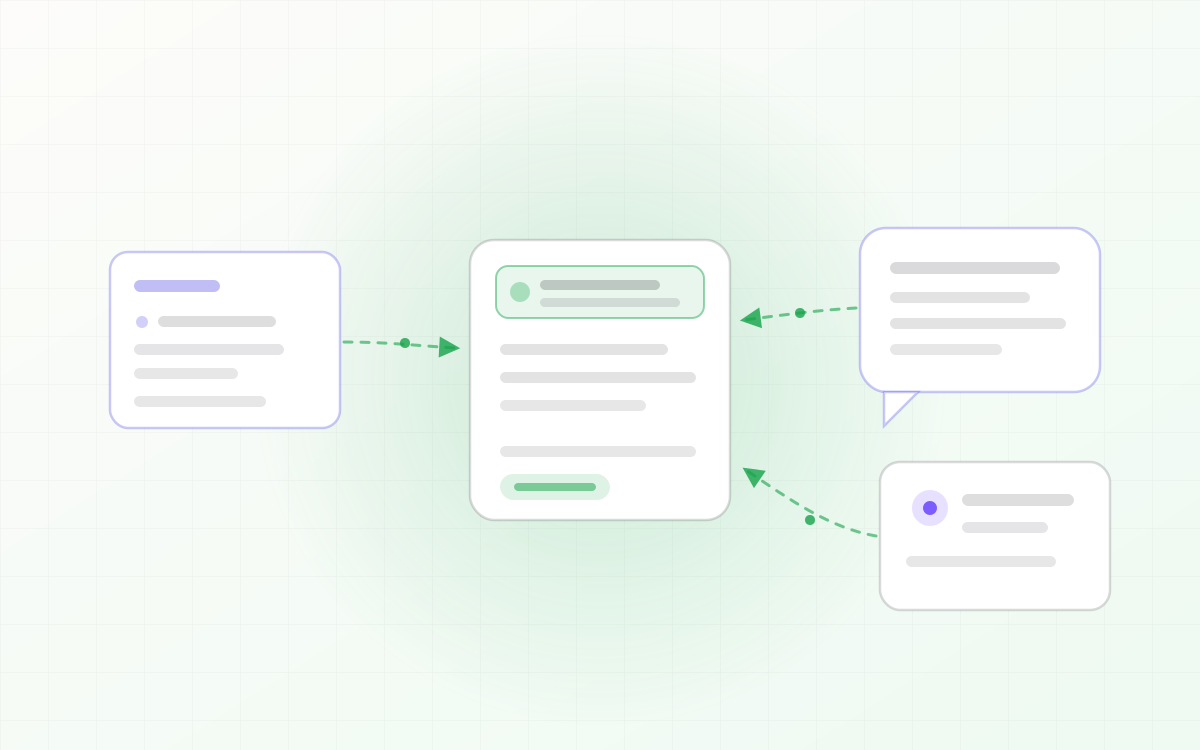 Agent
AgentLLM-notebook: turn agent sessions into knowledge assets
Agent sessions often contain conclusions worth keeping: the root cause you tracked down, the plan you settled on, the trade-offs in a draft. But they only exist inside the session — close it, and they're gone. LLM-notebook lets an agent save a session as material: one sentence, and the whole session becomes a knowledge asset you keep.
Read post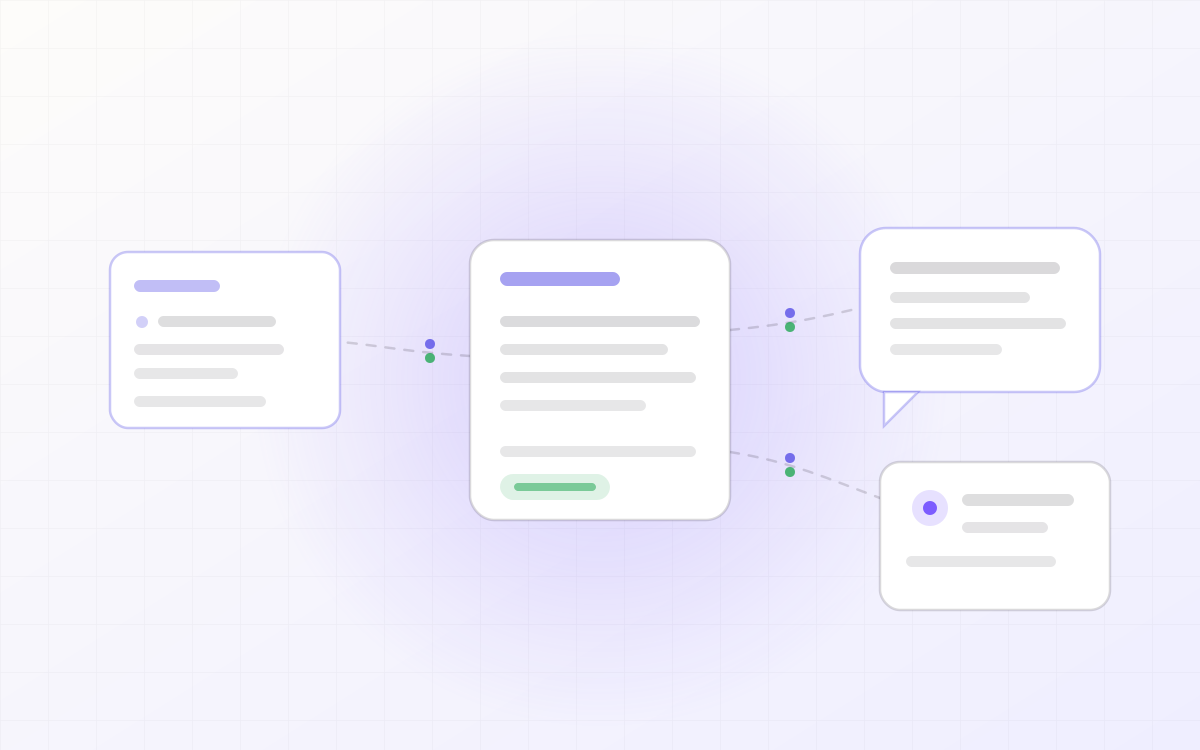 Agent
AgentLLM-notebook: a shared knowledge backend for your agents
Your agents don't share one context. Switch tools, and you're back to explaining the same background and feeding in the same details. LLM-notebook opens your material library to external agents as a shared knowledge backend: install the skill, approve access once, and any agent can search and read your materials and pick up where the last one left off.
Read post